
Web Apps · Sep 4, 2026 · 8 min read
A practical guide to web application development for business teams
A web application is a working system your team logs into—not a marketing site. Here is how to scope, build, and launch one without overbuilding.
By PKT Info Tech
Views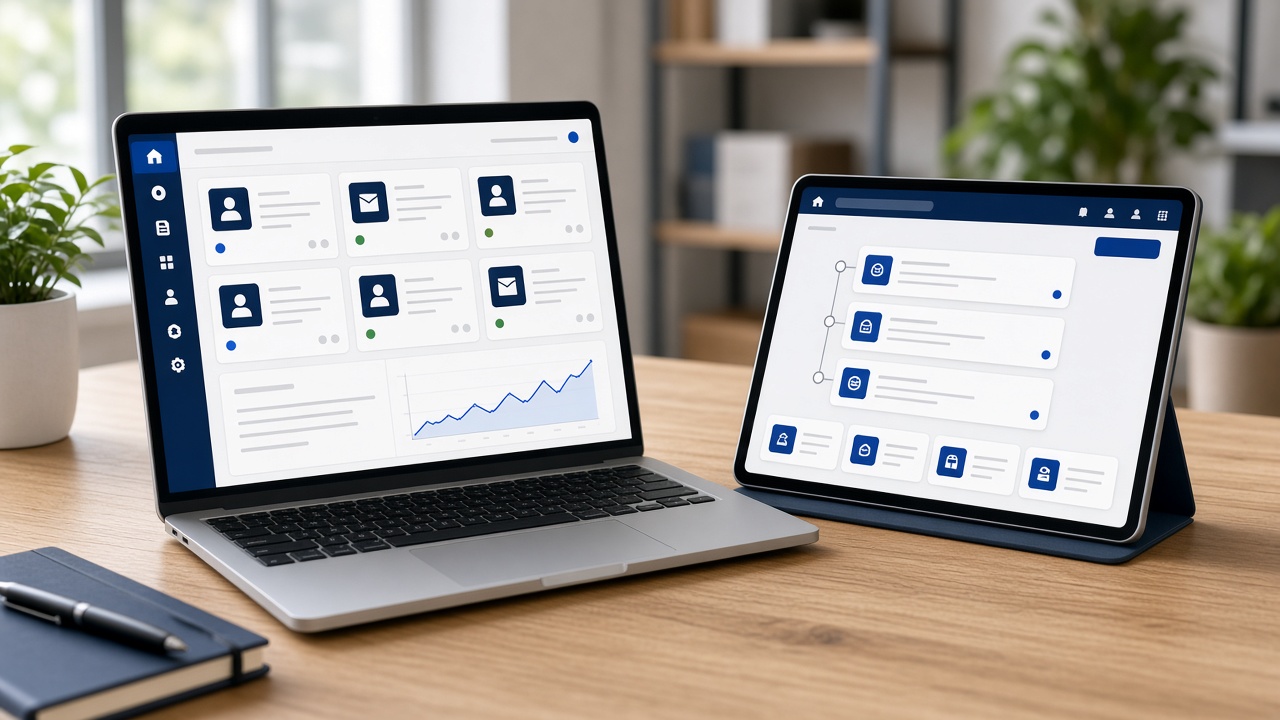
Website, web app, or SaaS?
A marketing website explains the business. A web application lets signed-in users complete work: approvals, bookings, inventory, customer portals, internal dashboards. SaaS is a web application you sell to many organizations. Mixing those three in one brief is how projects swell.
If visitors only need to read and enquire, start with a fast website—often WordPress. If staff or customers must log in and change data, you are in web application development. That is the conversation we have first at PKT Info Tech.
Scope the application around roles and workflows
List roles, then list the jobs each role must finish in a sitting. A distributor portal might be: sign in, see negotiated prices, place a reorder, track status. That is a complete first version. Reporting, mobile apps, and AI summaries can wait until those jobs are reliable.
Wire the unhappy paths too. What happens when a payment fails, a manager is away, or an upload is the wrong type? Business web apps live in those edges. A pretty happy-path prototype will not survive the first week of real use.
Architecture that matches the next two years, not the next decade
Most business applications do well as a well-structured web app: a React or Next.js interface, a Node.js or Laravel API, and a database with migrations you can replay. Microservices are rarely the first need. A modular monolith with clear boundaries is easier to host, debug, and hand over.
Plan for files, email, and one or two integrations from the start. Leave room to extract a service later if a workflow becomes heavy. Premature distribution of the system usually slows a Chennai delivery team more than it helps.
- Auth, roles, and audit on day one
- API that the UI and a future mobile client can share
- Staging that mirrors production closely enough to test releases
- Backups and a restore you have actually practiced
Security and quality are part of the build
Web applications hold customer and operations data. That means HTTPS everywhere, secrets out of the repo, server-side authorization, and dependency updates. We also test the flows that lose money or trust: login, permissions, payments, exports.
Quality is not a final week of clicking. It is acceptance criteria per story and a release checklist. If you need extra structure, our project management consulting can sit with your stakeholders while engineering stays on the product.
Launch, train, and keep a backlog
Go-live is training, data migration, and a support window—not only DNS. The first month of tickets is product research. Capture them, rank them, and resist turning every request into a new module.
A custom web application earns its keep when the team stops maintaining a parallel spreadsheet. Measure that. If the spreadsheet is still the source of truth, the app is not finished.
Related services
Continue reading





Swipe to continue reading
Want help applying this to your product?
Talk through your software, SaaS, ecommerce or AI requirement with the PKT Info Tech team.